


Instagram Reels Video Save to Gallery: 4 Ways Compared for 2026
Instagram Reels video save to gallery works in four main ways: the built-in Save button, screen recording, third-party online downloaders, and a content workflow that stores approved clips for you. If you only need a personal copy of a public Reel, use the built-in save. If you are building a brand library, choose a workflow with approval control. This guide compares the four options so you can pick one in under a minute.
Key takeaways

- The built-in Instagram Save button keeps a Reel in your Saved collection, not in your phone gallery.
- Screen recording saves any visible Reel to your gallery but may capture controls and notifications.
- Online downloaders are fast, but check their privacy policy and avoid pages that push app installs.
- Xicmo is a marketing workflow that keeps video references in one place and waits for your approval before anything publishes.
Quick comparison table
| Criteria | Built-in Save | Screen recording | Online downloaders | Xicmo (brand workflow) |
|---|---|---|---|---|
| Price | Free | Free on most phones | Often free, some with ads or paid tiers | Varies by plan |
| Best for | Personal saves from accounts you follow | Quick clips when save is blocked | One-off downloads from a link | Founders collecting and reusing brand video |
| Key strength | Official, no extra app | Works on any Reel you can see | Fast, direct file | Keeps assets in one workspace with approval |
| Key limitation | Saves to your account, not always the gallery | Lower quality, shows your screen UI | Quality and safety vary, ads are common | Built for marketing, not casual saving |
| Ease of use | Very easy | Easy | Easy, but read the page carefully | Setup needed |
| Watermark | No watermark | Possible overlay of controls | Depends on the tool | Depends on the source |
Built-in Save: the official way
The built-in Save button is the safest option. Tap the share icon under a Reel, then tap Save. The Reel lands in your Saved collection, and you can open it at any time in the Instagram app. To move it to your phone's photo gallery, you still need a download step, because Saved Reels stay inside Instagram. This method respects the creator's account and needs no extra app.
Use it when you want to keep a reference clip for later review. It suits a founder who saves competitor Reels for swipe files. It is the lowest-risk path for content you do not own.
Saving a Reel for reference is not the same as having the right to republish it.
Screen recording: the fallback
Screen recording works on almost any phone. Start the recorder from your control centre or quick settings, open the Reel, and record it at full screen. Trim the start and end in your photo app. Most Android and iOS devices can record in 1080p, which covers most social use.
The limitation is quality and clutter. You may capture the progress bar, notifications or your own taps. Crop the clip to remove them. Use this method when other options fail, not as your main library process.
Online downloaders: fast but check the source
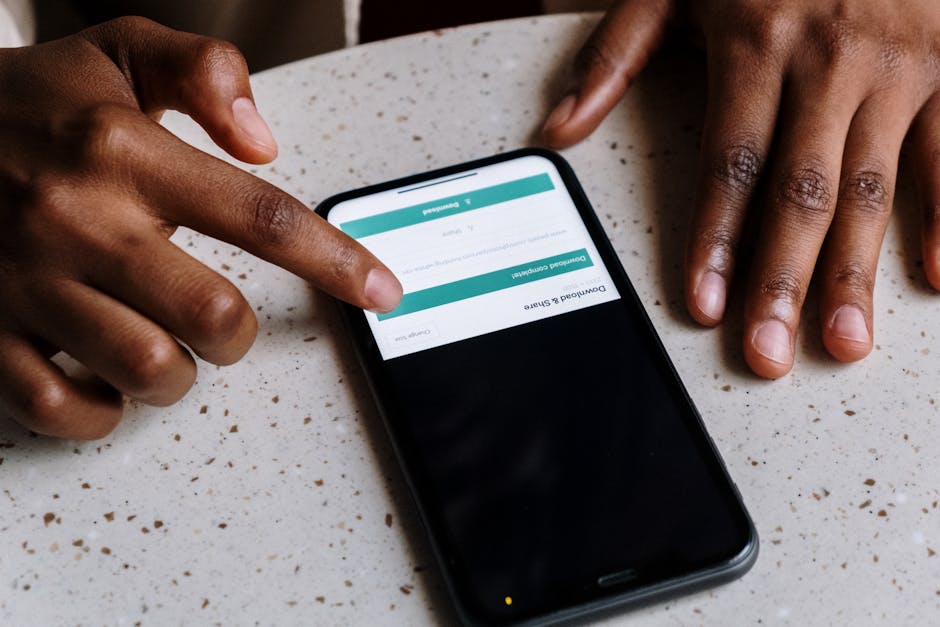
Online downloaders take a public Reel link and return a video file. Many people search for tools using phrases such as instagram video download free without watermark or reels video download instagram. Paste the link, choose a quality such as 720p, and save the file to your gallery.
Be careful here. Pages often carry pop-up ads, fake download buttons and requests to install apps. Stick to tools with a clear privacy policy and no account request. Only download content you have permission to reuse, and credit the creator when you repost. Downloading does not give you rights to republish someone else's video.
Xicmo: keep brand video in one approved place
Xicmo is an AI growth platform for founders and small teams that runs SEO, GEO, content, cold email, Reddit, Hacker News, X, LinkedIn and influencer outreach through 14 specialized agents. It is not a Reel downloader. It fits when your real goal is to collect video references, turn them into posts, and publish them with control.
Xicmo connects to your channels and keeps one company context across them. When an agent drafts a caption or a post idea from a clip you saved, it waits in the approval queue. Nothing goes live until you approve it. This matters if you run a SaaS launch and need twelve short clips in a week without losing track of rights and sources.
How to save an Instagram Reel to your gallery, step by step
Follow this order for a public Reel you have permission to save:
- Tap Save on the Reel to keep it in your account.
- If you need the file on your phone, use the share sheet or a trusted downloader.
- Check the creator's rights and add a credit line.
- Store the file in a folder named by campaign, such as launch-week or competitor-swipe.
- Log the source link in a spreadsheet so you can find it later.
Step five prevents the most common mistake: losing track of where a clip came from.
Choose the tool by purpose: personal saves, quick clips, or an approved marketing library.
Which one should you choose?
Pick by purpose, not by feature list:
- Personal saves: use the built-in Save button.
- One clip, no app: use screen recording.
- Bulk or fast single downloads for reference: use a downloader you have vetted.
- Marketing library with review: use Xicmo, where approval comes before publishing.
Founders with no marketer usually need two tools: the built-in save for research and a workflow tool for publishing. Xicmo covers the publishing side, with approval on every action.
Further reading
Conclusion
For most people, the built-in Save button handles personal Instagram Reels video save to gallery needs in seconds. Screen recording covers the cases where saving is blocked, and downloaders help with quick reference clips if you check their safety first. If you run a startup and need video references turned into approved posts across channels, Xicmo keeps that work in one place with you in control. Start with the built-in save today, then move your brand clips into a workflow with approval.
Frequently asked questions
Book a free
15-minute call
We will open Xicmo on your own site, show you where you are losing search and AI visibility, and leave you with the fixes whether or not you sign up.
Book a callPrefer email? hello@xicmo.com