






Free 48h600 credits, no card

Buyer's Guide

Cold Email From Gmail: The 10 Best Tools in 2026

How to send cold email from Gmail without hurting deliverability, and the 10 best tools for it, compared on Gmail sending, safety limits, sequences and real pricing.

By The Xicmo Team · Updated

The question this guide answers

“Which cold email from Gmail would you recommend?”

Can you send cold email from Gmail?

Yes, at low volume, with personal messages to people who are likely to care. Send from a warmed-up Google Workspace address on a properly authenticated domain (SPF, DKIM, DMARC), keep volume modest, stop when people reply, and make unsubscribing easy.

Pick a tool by volume. For tens of emails a day from your own inbox, Gmail-native tools (Xicmo, GMass, Mailmeteor, Hunter) are simplest and safest. For hundreds or thousands, volume platforms (Instantly, Smartlead, lemlist) rotate many inboxes on separate domains. That's a different, riskier game.

How to send cold email from Gmail safely

  1. 1

    Authenticate your domain

    Set up SPF, DKIM and DMARC. Google's sender guidelines require them for bulk senders, and they help every sender reach the inbox.

  2. 2

    Respect Gmail's limits, then stay far below them

    Google Workspace caps sending at 2,000 messages a day and consumer Gmail at 500, but cold email should stay much lower: tens a day per inbox, spread through working hours.

  3. 3

    Write to one person, not a list

    Reference something specific about them, ask one clear question, and keep it under 120 words. Plain text beats designed templates for cold email.

  4. 4

    Follow up once or twice, then stop

    Most replies come from the first follow-up. Stop immediately when someone replies or says no.

    Xicmo email campaign: replies stop the sequence
    Xicmo demo workspace analysing amazon.com with illustrative sample data. Amazon is not a Xicmo customer.
  5. 5

    Make opting out easy and keep complaints low

    Google asks bulk senders to keep reported spam below 0.3% and support one-click unsubscribe. Even below bulk volumes, an easy opt-out protects your domain.

The best tools for cold email from Gmail, compared

Prices checked on vendor pages on 2026-11-08 where shown.

FeatureXicmo logoXicmoGMass logoGMassMailmeteor logoMailmeteorInstantly logoInstantlylemlist logolemlistSmartlead logoSmartleadHunter logoHunterApollo.io logoApollo.ioHubSpot Marketing Hub logoHubSpot Marketing HubOkara logoOkara
Best forPersonal outreachInside GmailSimple mergesVolumeMultichannelAgenciesData + light sendsSales dataHubSpot usersNot cold email
Sends from your GmailGoogle sign-inExtensionStrongMany inboxesStrongMany inboxesStrongStrongStrongNot supported
Stops on replyStrongStrongStrongStrongStrongStrongStrongStrongStrongNot supported
Built-in safety limits35/day defaultPartialPartialYou configurePartialPartialPartialPartialPartialNot supported
Lead databaseNot supportedNot supportedNot supported450M+StrongLimitedStrongStrongPartialNot supported
Starting price$159/mo (all agents)$20/mo (annual)Free / $5.99$47/mo$55/mo$39/moFree / $34FreeUnverifiedn/a

Scroll the table sideways to see every tool →

Xicmo logo

1. Xicmo

Cold sequences from your own Gmail, with safe limits built in.

Our pick

Xicmo's Email Outreach agent connects to Gmail with Google sign-in (or any mailbox over SMTP/IMAP) and sends your sequence from your own address, so replies land in your real inbox. You write the steps (emails and waits, with merge fields like {{firstName}} and {{company}}), import contacts, and press start.

Sending is deliberately conservative: 35 emails a day per campaign by default (50 max), spread across working hours with 9 to 26 minutes between sends, and follow-ups stop automatically the moment someone replies. You can run up to three campaigns from up to three mailboxes.
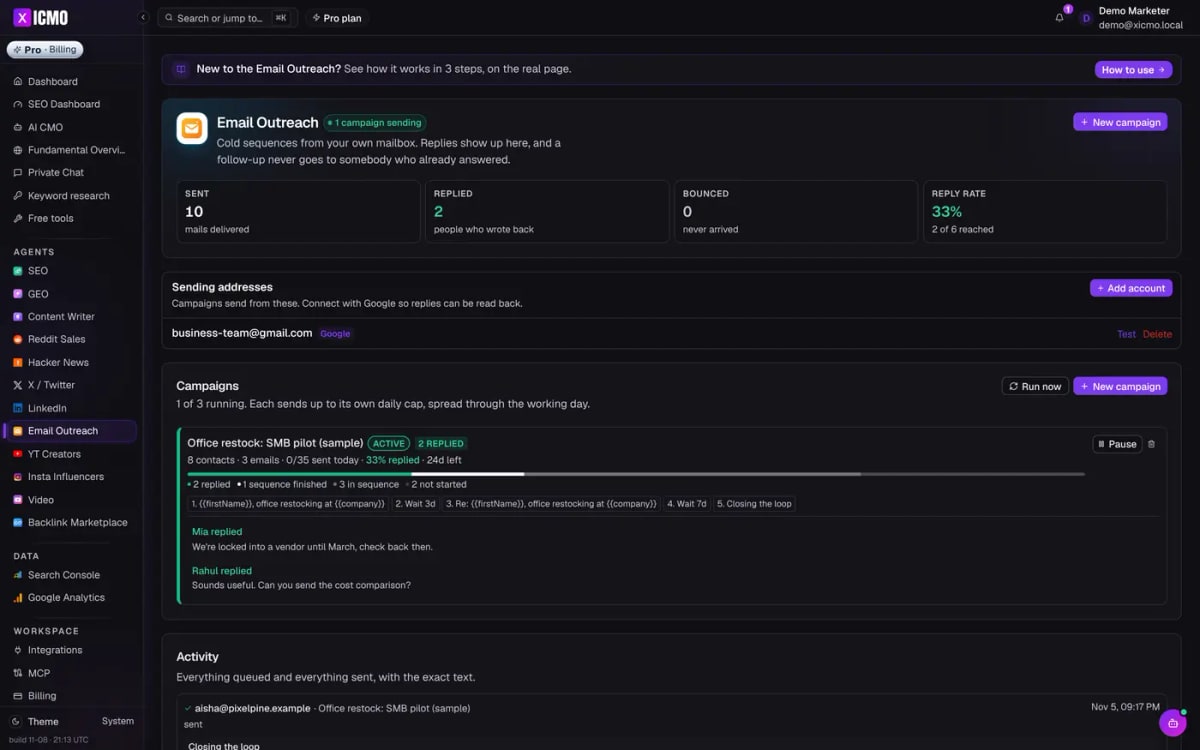
Xicmo Email Outreach: Gmail sender, active campaign, replies and reply rate
Source: Xicmo

Features

  • Gmail sign-in (gmail.send) or SMTP/IMAP
  • Multi-step sequences with merge fields
  • Stops on reply
  • Human-paced sending in working hours
  • Activity log with exact text sent
  • Up to 3 mailboxes, 3 active campaigns

Pros

  • Sends from your real Gmail, replies in your inbox
  • Conservative limits protect your domain
  • Part of a full marketing workspace
  • No per-mailbox fees

Cons

  • You write the templates (AI writing isn't built into sequences)
  • Low volume by design: 50/day per campaign max
  • No email warmup network or lead database
  • 100 contacts per import
Pricing
Lite $49/mo (500 credits: SEO + GEO agents, AI CMO). Standard $159/mo unlocks every agent. Pro $199/mo. $5 day pass. 48-hour free trial with 600 credits, no card. xicmo.com/pricing (checked 2026-11-08)
Best for
Founders doing personal, low-volume cold email from their own Gmail

What it produced

A live sequence on a demo workspace for amazon.com

Xicmo demo workspace analysing amazon.com with illustrative sample data. Amazon is not a Xicmo customer.

Best for safe, personal Gmail outreach alongside the rest of your marketing.
GMass logo

2. GMass

Mail merge and campaigns inside Gmail.

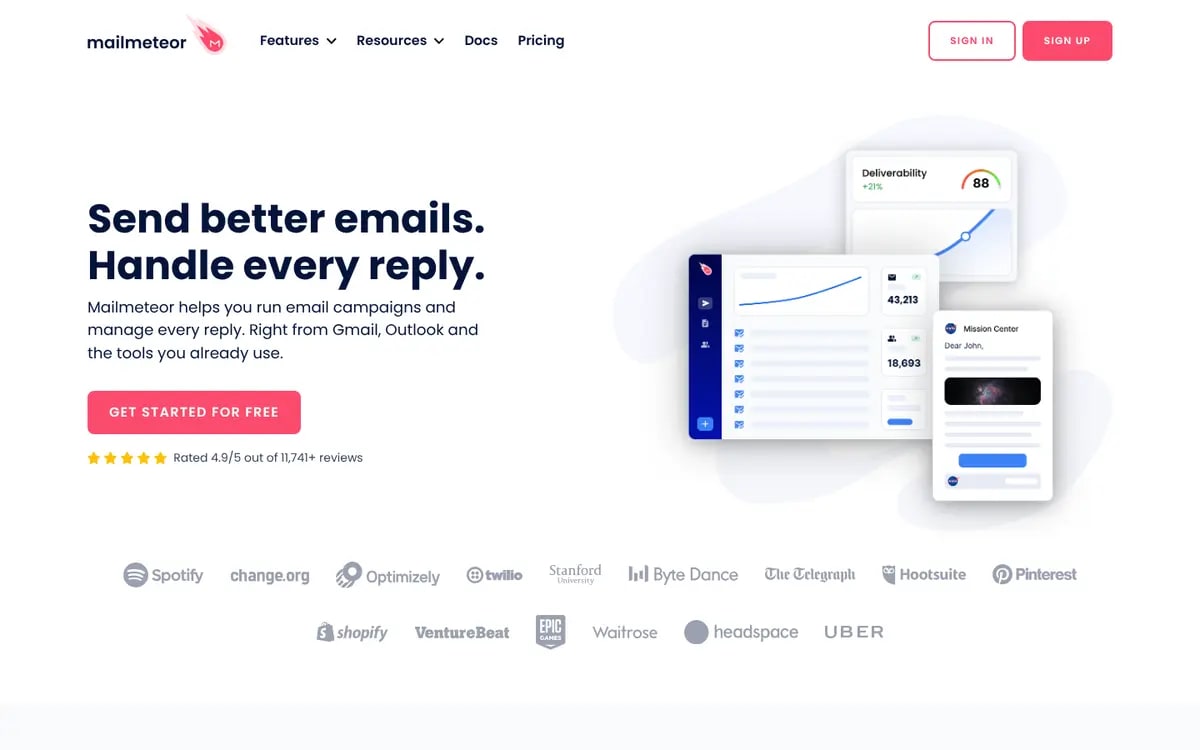
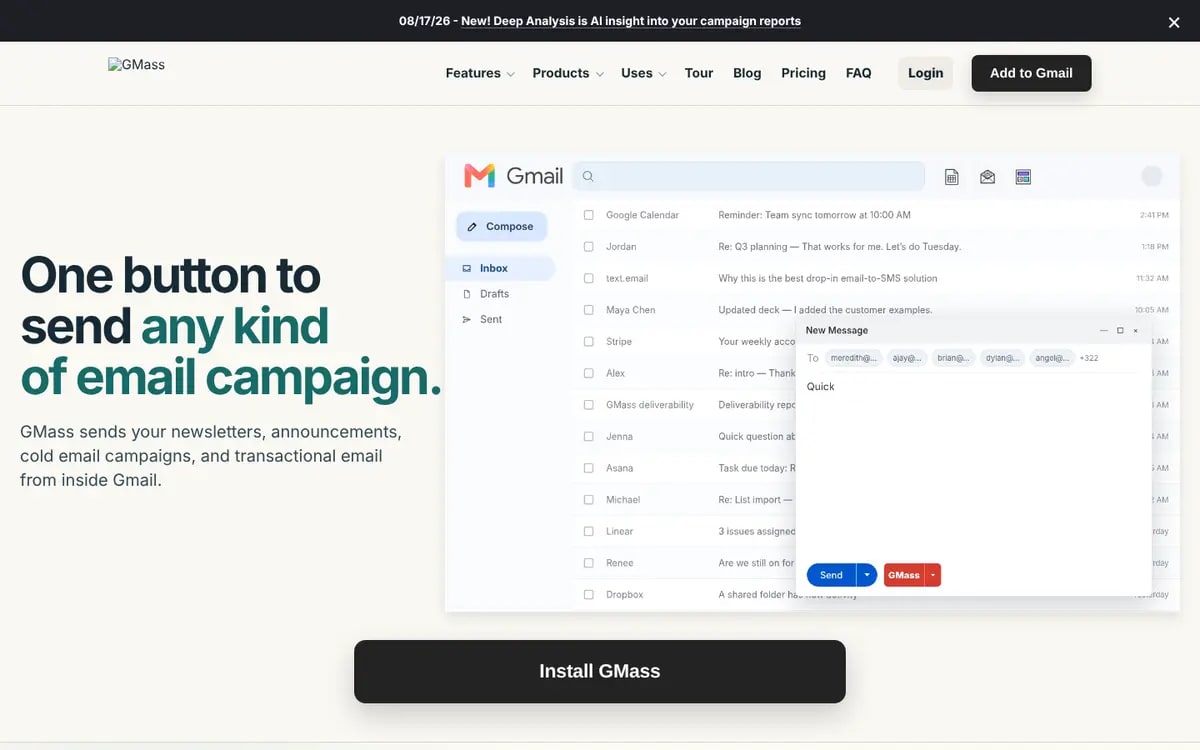
GMass runs mail merges, sequences and follow-ups directly from the Gmail interface via a Chrome extension, from $20/mo on annual plans.

GMass homepage
Source: GMass

Features

  • Gmail mail merge
  • Auto follow-ups
  • Sheets integration
  • Deliverability tools

Pros

  • Lives in Gmail
  • Affordable
  • Mature

Cons

  • Chrome-extension workflow
  • Annual billing for best price
Pricing
Standard $20/mo, Premium $29/mo, Professional $49/mo on annual plans ($249, $349, $599 a year). gmass.co/pricing (checked 2026-11-08)
Best for
Gmail power users

Best inside-Gmail tool.

Mailmeteor logo

3. Mailmeteor

Simple, privacy-friendly Gmail mail merge.

Mailmeteor sends personalised mail merges from Gmail and Google Sheets with follow-ups and tracking, with a free plan and paid plans from $5.99/user/mo.

Mailmeteor homepage
Source: Mailmeteor

Features

  • Sheets mail merge
  • Follow-ups
  • Tracking

Pros

  • Free plan
  • Very simple
  • Cheap

Cons

  • Light sequencing
  • Per-user pricing
Pricing
Free plan; Starter $5.99, Premium $17.99, Pro $35.99 per user/month. mailmeteor.com/pricing (checked 2026-11-08)
Best for
Simple personalised sends

Best budget Gmail merge.

Instantly logo

4. Instantly

High-volume cold email with unlimited inboxes.

Instantly is built for volume: unlimited email accounts and warmup, a 450M+ B2B lead database and an AI sales agent, from $47/mo.

Instantly homepage

Features

  • Unlimited accounts + warmup
  • Lead database
  • AI reply agent
  • Inbox rotation

Pros

  • Scales to many inboxes
  • Built-in leads

Cons

  • Volume approach needs separate domains
  • Easy to over-send
Pricing
Outreach Growth $47/mo (unlimited email accounts and warmup), Hypergrowth $107/mo; lead credits from $47/mo. instantly.ai/pricing (checked 2026-11-08)
Best for
Agencies and sales teams at volume

Best for volume outbound.

lemlist logo

5. lemlist

Personalised multichannel sequences.

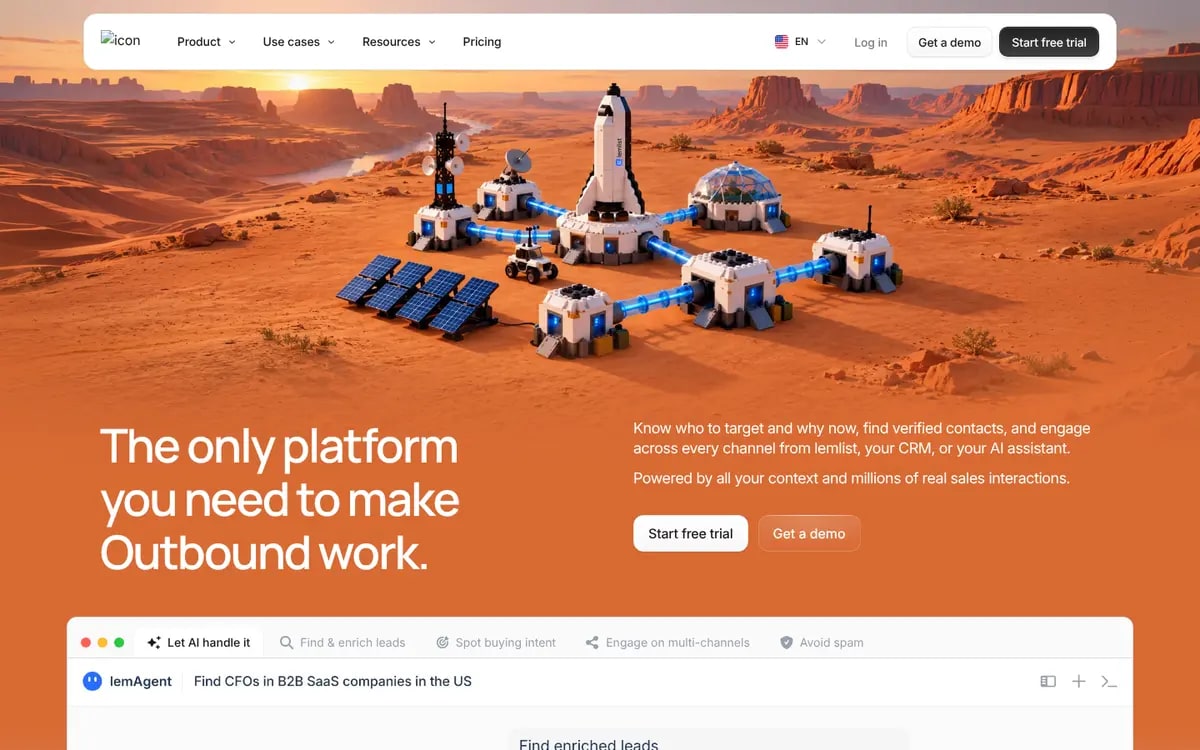
lemlist combines email with LinkedIn and calls, strong personalisation (images, variables) and deliverability tools, from $55/mo.

lemlist homepage
Source: lemlist

Features

  • Multichannel sequences
  • Personalisation
  • Warmup
  • Lead database

Pros

  • Great personalisation
  • LinkedIn steps

Cons

  • Per-user cost
  • Learning curve
Pricing
Email from $55/mo ($69 billed monthly); Multichannel from $87/mo ($109 monthly). Free trial. lemlist.com/pricing (checked 2026-11-08)
Best for
Sales teams mixing email and LinkedIn

Best multichannel.

Smartlead logo

6. Smartlead

Volume sending with mailbox rotation.

Smartlead focuses on deliverability at scale with unlimited mailboxes, warmup and rotation, from $39/mo.

Smartlead homepage

Features

  • Mailbox rotation
  • Warmup
  • Unified inbox

Pros

  • Cheap at scale
  • Agency features

Cons

  • Volume-first
Pricing
Base $39/mo (2,000 contacts, 6,000 sends); higher tiers from $59/mo. smartlead.ai/pricing (checked 2026-11-08)
Best for
Agencies

Good Instantly alternative.

Hunter logo

7. Hunter

Find emails, then send simple campaigns.

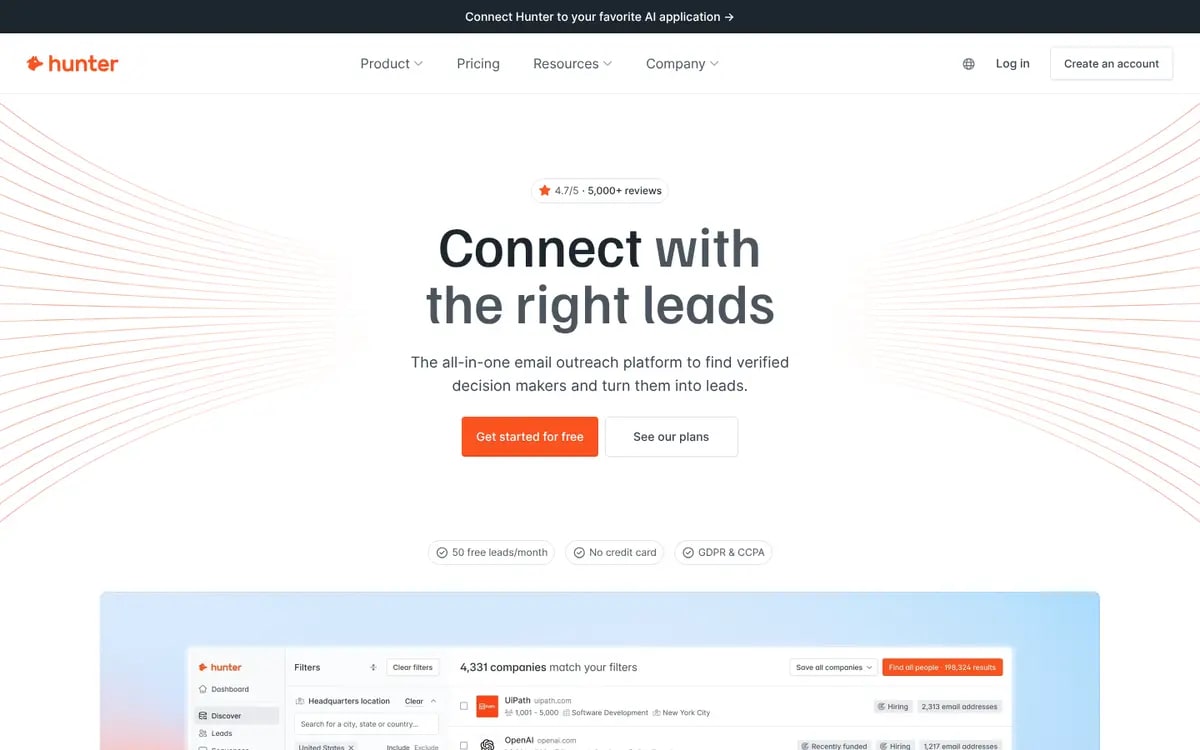
Hunter finds and verifies emails and includes lightweight campaigns that send from your Gmail or Outlook.

Hunter homepage
Source: Hunter

Features

  • Email finder + verifier
  • Campaigns from Gmail

Pros

  • Free plan
  • Accurate data

Cons

  • Basic sequencing
Pricing
Free (50 credits/mo). Starter $34/mo, Growth $104/mo, Scale $209/mo billed yearly. hunter.io/pricing (checked 2026-11-08)
Best for
Finding and emailing a few prospects

Best for data + light sending.

Apollo.io logo

8. Apollo.io

Prospect database plus sequences.

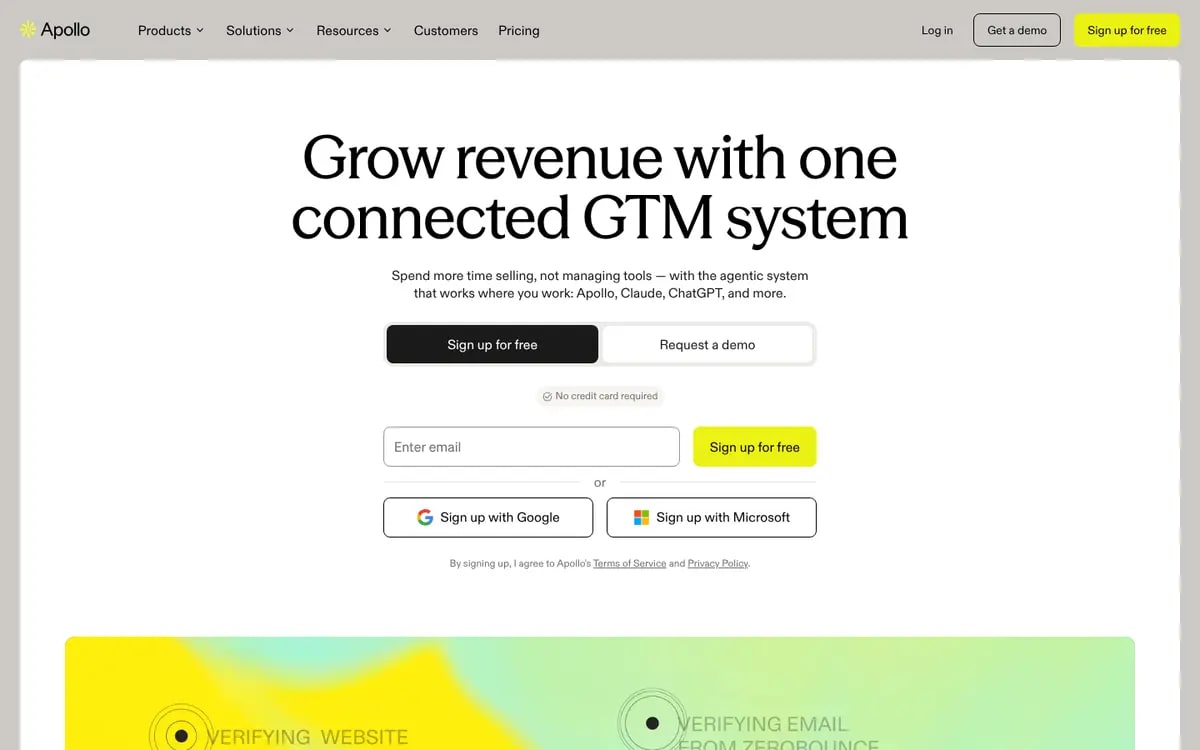
Apollo pairs a large B2B contact database with sequences, dialer and enrichment, with a free plan.

Apollo.io homepage
Source: Apollo.io

Features

  • B2B database
  • Sequences
  • Enrichment

Pros

  • Data + sending
  • Free plan

Cons

  • Paid prices not shown to us
  • Complex
Pricing
Free plan; paid plan prices weren't shown to us (unverified).
Best for
Sales teams needing data

Best all-in-one sales data.

HubSpot Marketing Hub logo

9. HubSpot Marketing Hub

Sequences inside the HubSpot CRM.

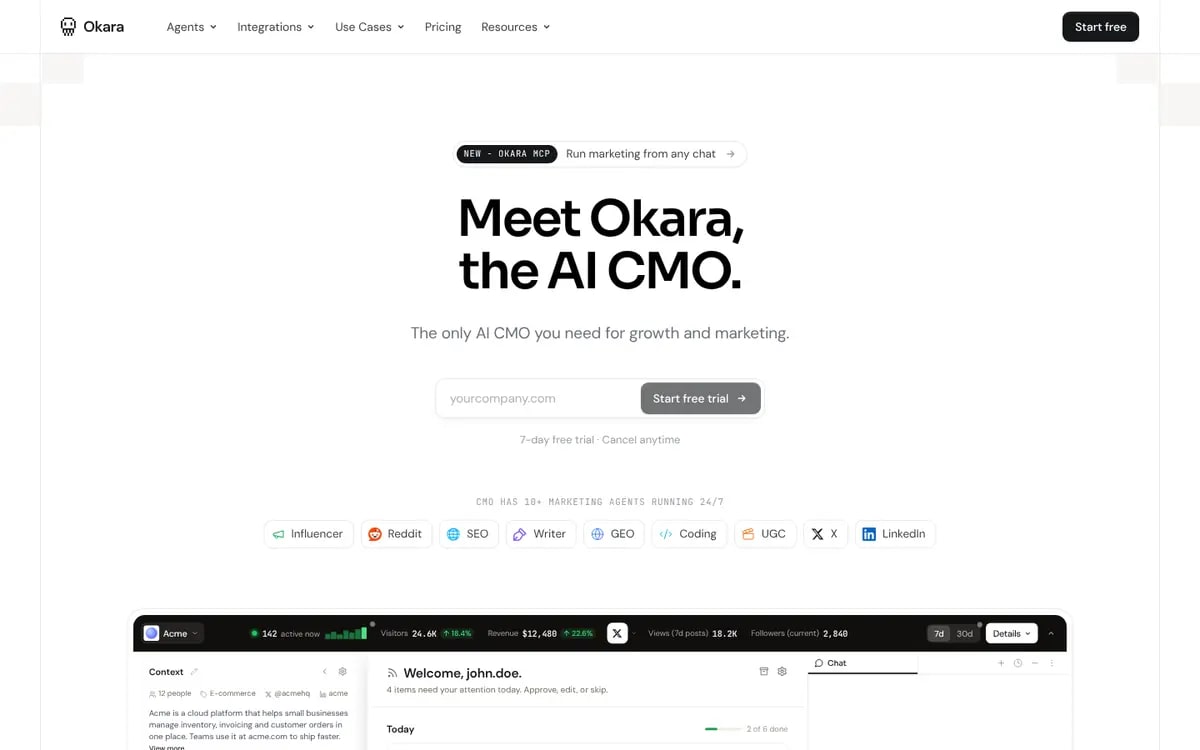
HubSpot's sales tools send sequences from your connected Gmail inbox with CRM tracking. Marketing Hub covers marketing email.

HubSpot homepage
Source: HubSpot Marketing Hub

Features

  • Sequences (Sales Hub)
  • CRM tracking
  • Gmail integration

Pros

  • Everything logged in the CRM

Cons

  • Sequences need paid seats
  • Pricing unverified here
Pricing
Free tools available. Not verified on HubSpot's site for this guide; third-party listings report Starter around $20 per seat/mo and Professional around $890/mo with 3 seats.
Best for
Teams already on HubSpot

Use it if you're on HubSpot.

Okara logo

10. Okara

AI CMO without a cold email agent.

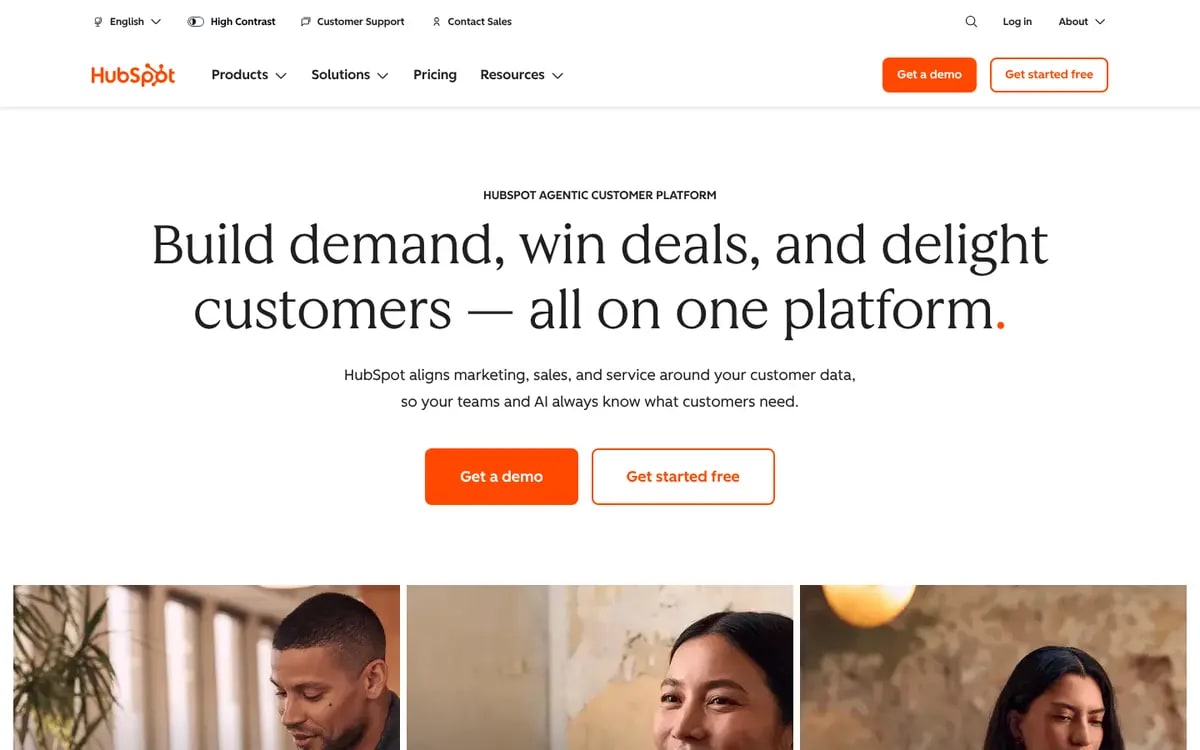
Okara's pricing page lists SEO, GEO, content, social, influencer and coding agents, but no cold email sequencer.

Okara homepage: Meet Okara, the AI CMO
Source: Okara

Features

  • Influencer outreach (X, LinkedIn)

Pros

  • Strong content and social

Cons

  • No cold email agent listed
Pricing
AI CMO Lite $129/mo ($108/mo billed annually), AI CMO Pro $249/mo ($208/mo annually), Enterprise custom. 7-day free trial. okara.ai/pricing (checked 2026-11-08)
Best for
Teams not doing cold email

Pair with a dedicated email tool.

Must-have features in a Gmail cold email tool

1. Real Gmail sending

  • OAuth, not a password
  • Replies in your normal inbox

2. Human pacing

  • Daily caps
  • Random gaps between sends

3. Stop on reply

  • Automatic
  • Covers out-of-office handling

4. A full activity log

  • Exactly what was sent, when

Questions to ask cold email vendors [checklist]

  1. 1Do you send through Gmail's API with OAuth?
  2. 2What daily cap and send spacing do you use by default?
  3. 3Do follow-ups stop automatically on reply?
  4. 4Do you support one-click unsubscribe?
  5. 5Do you encourage separate domains for volume, and why?

Why Xicmo is the best way to send cold email from Gmail for founders

Xicmo is built for the kind of cold email that works from a personal inbox: a few dozen thoughtful emails a day, paced like a person, from your real Gmail, stopping the moment someone replies. It sits next to your SEO, content and social agents, so outreach runs on the same positioning.

If you need thousands of emails a day across many inboxes, Instantly or Smartlead are built for that. If you live inside Gmail and want a mail merge, GMass. For safe, personal outreach as part of a full marketing workspace, Xicmo.

Frequently asked questions

How we put this guide together

We compared tools on Gmail-native sending, safety, sequencing and data using vendor pages read on 2026-11-08 and Google's sender documentation. Xicmo visuals show a demo workspace for amazon.com with illustrative sample contacts and replies.

Sources

  1. Google: Email sender guidelines (2026)
  2. Google Workspace: Gmail sending limits (2026)
  3. xicmo.com/pricing (2026-11-08)
  4. gmass.co/pricing (2026-11-08)
  5. mailmeteor.com/pricing (2026-11-08)
  6. instantly.ai/pricing (2026-11-08)
  7. lemlist.com/pricing (2026-11-08)
  8. smartlead.ai/pricing (2026-11-08)
  9. hunter.io/pricing (2026-11-08)
  10. okara.ai/pricing (2026-11-08)

Stay up to date with industry insights

Start a safe Gmail sequence today

Your inbox, human pacing, stops on reply. 48-hour free trial.