


How to Convert Instagram Reel to MP3 in 2026
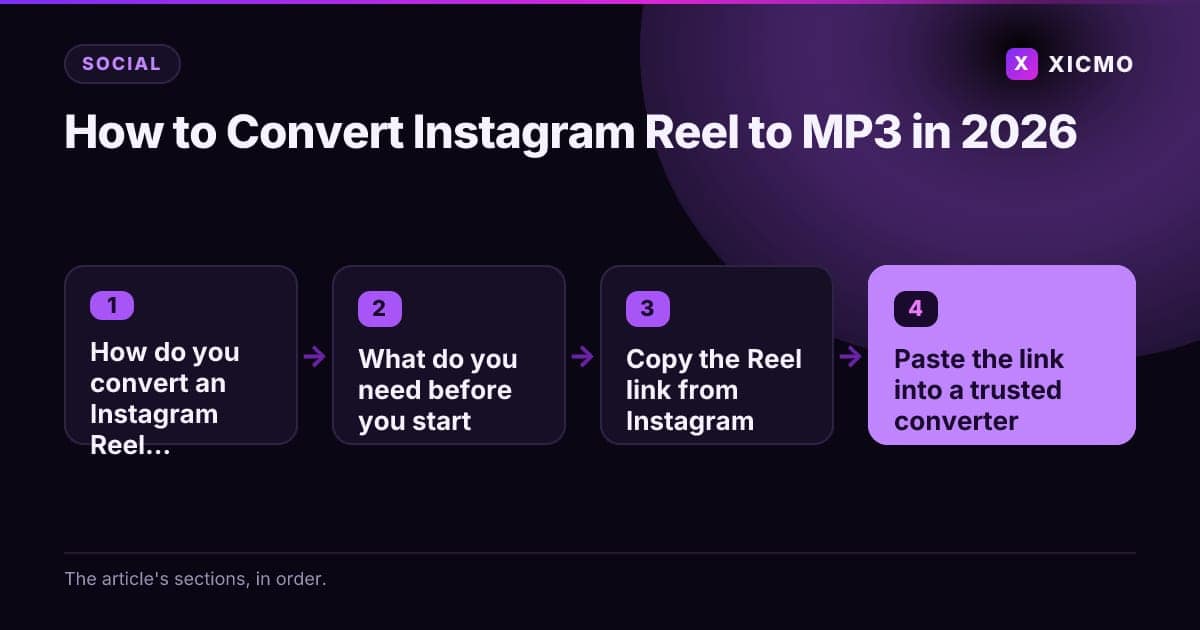
Key takeaways
- To convert an Instagram Reel to MP3, copy the public Reel link and extract the audio at 192 or 320 kbps.
- Only public Reels can be extracted, so private accounts and Story links will fail.
- A converted file is not a license: get written permission before using the audio commercially.
- Use 192 kbps for speech and 320 kbps for music, since lower bitrates sound thinner.
- Name each file with the creator handle and date, and log the source for later licensing checks.
How do you convert an Instagram Reel to MP3?
To convert an Instagram Reel to MP3, you copy the Reel link, paste it into an audio extractor, choose MP3 as the output, and save the file. The whole process takes about two minutes. The one thing that matters most is checking that you have the right to use the audio, because the sound on a Reel usually belongs to its creator or a music label.
Many people search for ways to downlod reels, but the audio step is where most mistakes happen. This guide walks you through a clean, repeatable process you can run in a few minutes, whether you are a founder collecting a reference track or a marketer building a swipe file.
What do you need before you start?
- A public Instagram Reel link (open the Reel, tap the three-dot menu, then choose Copy link)
- A desktop or phone browser with a working internet connection
- A reputable online converter, or a desktop tool such as yt-dlp with FFmpeg installed
- Enough free storage for roughly 1 MB per minute of MP3 at 128 kbps
- A clear use case, such as personal listening, a private reference track, or licensed use
Keep the link and the file name together so you can trace where the audio came from later.
Step 1: Copy the Reel link from Instagram
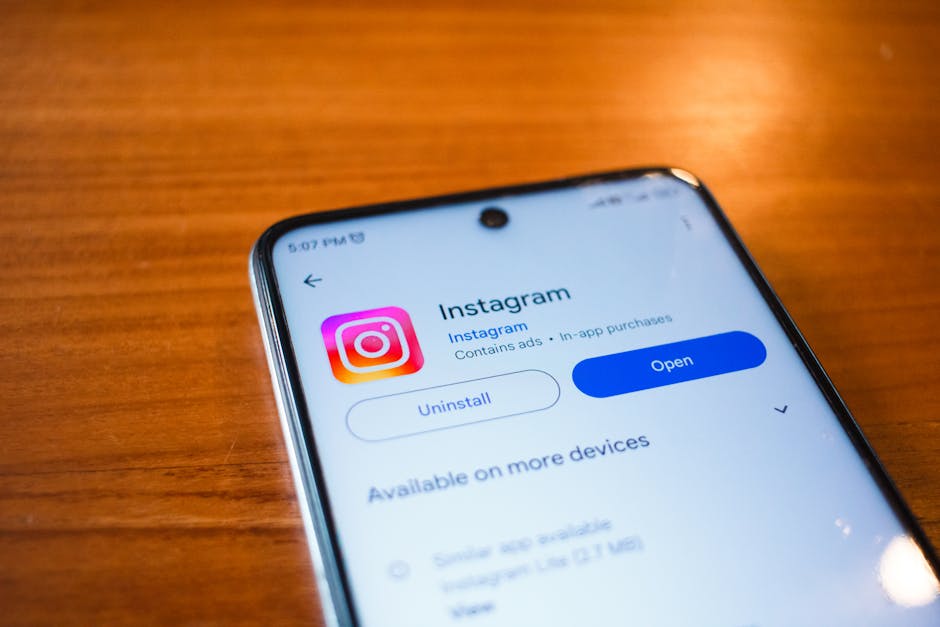
Open the Reel in the Instagram app or on instagram.com. Tap the three-dot icon, then choose Copy link. On the web, click the share icon and copy the URL that looks like instagram.com/reel/ followed by a code.
This step matters because the link is the only input the converter needs. Private accounts cannot be extracted, and a link to a Story or a profile will fail. If the Reel is public, the link works on any device, so you can start the conversion from your phone or laptop.
Converting a file does not give you permission to publish it. Check the rights before any public or commercial reuse.
Step 2: Paste the link into a trusted converter
Open your converter and paste the link into the input box. For a desktop workflow, run a command such as yt-dlp -x --audio-format mp3 followed by the link. The -x flag tells the tool to extract audio only, and --audio-format mp3 sets the output type.
Choose a bitrate of 192 kbps for speech and 320 kbps for music. Lower bitrates save space but can sound thin. Avoid sites that ask you to install a browser extension or run an executable file, because these are common sources of malware.
Step 3: Set the output to MP3 and check the quality
Select MP3 as the format. Most tools offer 128, 192 and 320 kbps. A 60-second Reel at 192 kbps is about 1.4 MB, so the file stays small enough for any phone and most cloud drives.
Play a few seconds of the result before you rely on it. Check that the audio is not cut off at the start and that the volume is steady. If the sound is distorted, convert again at a higher bitrate from the same link. Running a 10-second test clip first saves time when you batch several Reels.
Step 4: Save the file and name it clearly
Download the MP3 and rename it with the creator's handle, the date and the song title if you know it. For example: creatorhandle_2026-11-20_track.mp3. Clear names make it easy to find the source if you need to credit or license the sound later.
Move the file to a folder you control. If you plan to use the audio in a video, a podcast or a product page, record the creator, the Reel URL and the license in a spreadsheet. This record protects you if a rights holder asks questions. Many teams also use the same log to note which Reels they have already reviewed.
Step 5: Confirm you have the right to use the audio
Converting a file does not give you permission to publish it. Music on Instagram is often licensed only for use inside the app. Using it in a commercial video, an ad or a product demo can trigger a copyright claim on YouTube or a takedown notice on another platform.
For business use, buy a license from a music library such as Epidemic Sound or Artlist, or ask the creator for written permission. For personal listening, keep the file offline and do not redistribute it. If you are unsure, treat the audio as off-limits until you have written confirmation.
A 60-second Reel at 192 kbps is about 1.4 MB, small enough for any phone.
What are the most common mistakes?
Mistake 1: Using a random converter site. Many sites bundle ads, pop-ups and malicious downloads. Stick to tools with clear privacy terms and no required installs, and scan any download with your system antivirus before opening it.
Mistake 2: Assuming the audio is free to reuse. A file on your phone is not a license. Check the creator's terms, the track's rights and the platform rules before you post the audio anywhere else.
Mistake 3: Ignoring the bitrate. A 128 kbps file of a music track sounds noticeably flatter than 320 kbps. Pick the bitrate based on use: 128 kbps for voice notes, 320 kbps for music you plan to keep.
Where can you find more tools for saving Reels?
If you want a broader look at saving content from Instagram, read our guide on save from net instagram reel. It compares how the same link behaves across several web tools, including file quality and ad load.
For video-first downloads, the instagram reels video save to gallery comparison shows which options keep the original resolution and which compress the file before saving to your camera roll.
Conclusion
To convert an Instagram Reel to MP3, copy the public link, extract the audio at 192 or 320 kbps, and save it with a clear file name. The two deciding factors are a trusted converter and written permission before any public or commercial reuse. Start with one Reel, run the five steps, and keep a short log of each source so your audio files stay traceable and safe to use.
Frequently asked questions
Book a free
15-minute call
We will open Xicmo on your own site, show you where you are losing search and AI visibility, and leave you with the fixes whether or not you sign up.
Book a callPrefer email? hello@xicmo.com