


How to Download Instagram Highlights in 2026 (Safely)
Key takeaways

- To save your own Instagram highlight, open it, tap the three-dot menu, and choose Save.
- Request a full data download from Accounts Center to get every story and post in one archive.
- Never enter your Instagram password into an insta post saver online or an APK app.
- Ask the creator for permission before you reuse someone else's highlight.
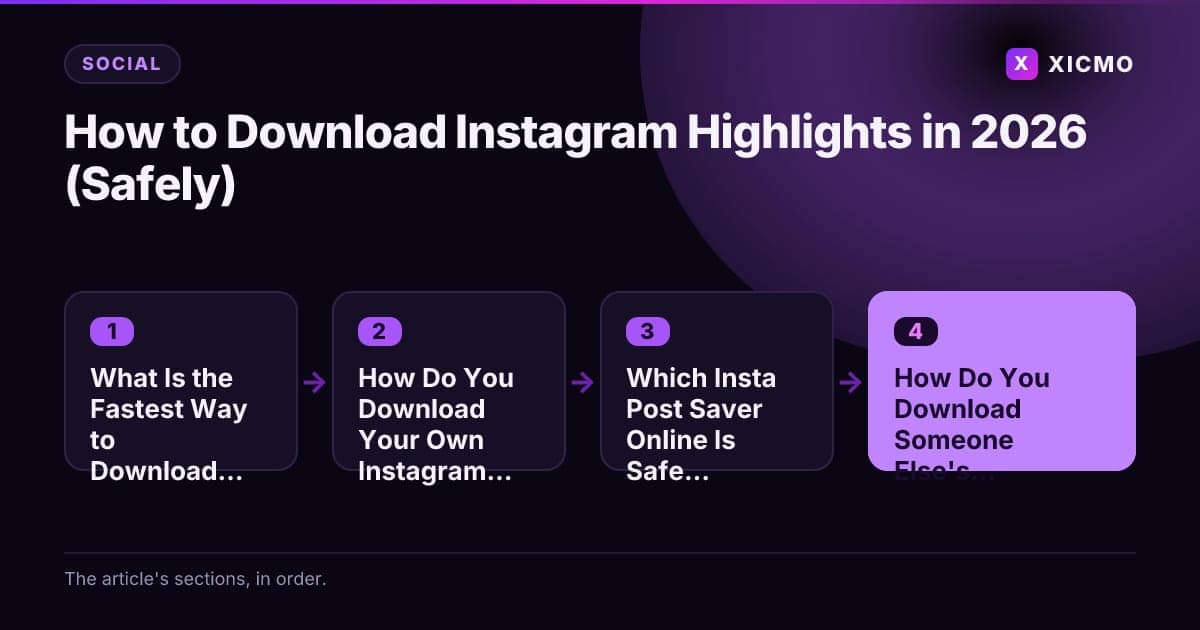
What Is the Fastest Way to Download Instagram Highlights?
Instagram highlights are saved stories that stay pinned to your profile. The fastest way to learn how to download Instagram highlights is to use the Save option on your own account. Open the highlight, tap the three-dot menu, and choose Save to send each story to your camera roll.
For a few stories, this takes about 30 seconds each. If you have ten or more stories to collect, plan for a few minutes. Anyone saving another person's highlight needs a different route, and that route carries more risk.
How Do You Download Your Own Instagram Highlights?
Start with the account you control. Instagram keeps each highlight story in your Archive, so you can save items back to your phone without third-party software. The steps are short, and they work on both iPhone and Android.
- Open your profile and tap the highlight you want.
- Tap the three-dot menu at the bottom right.
- Choose Save to keep the current story, or open Settings and Activity, then Download your information, to export everything.
The full data export from Meta's Accounts Center gives you a copy of your media in one archive. It takes longer to arrive, but it is the cleanest option for a large library.
Which Insta Post Saver Online Is Safe to Use?

An insta post saver online is a web tool that takes a public post or story link and returns a downloadable file. These tools are convenient, but quality and safety vary widely between sites. Treat every free saver as untrusted until you have checked it.
Look for a few signs before you paste a link:
- No forced app installs or browser extensions
- No requests for your Instagram password or login
- A clear privacy policy that explains what happens to submitted links
- No pop-up chains that push you to "claim" a file
Many free savers carry ads that redirect to scam pages, so close any window that asks for personal details.
How Do You Download Someone Else's Instagram Highlights?
Downloading another person's highlight without permission means saving content you do not own. Instagram's terms restrict copying content for reuse, and the creator keeps the rights to their work. A saved file can still trigger a copyright report against your account.
If you need a clip for research, reporting, or a licensed post, ask the creator first. Save only what they approve, credit them, and keep the original link in your notes. For brand monitoring, take a screenshot with the account name visible instead of ripping the file.
What Mistakes Should You Avoid When Saving Instagram Content?
The most common mistake is installing an unknown APK or desktop app that promises unlimited downloads. These files often request permissions they do not need, and some bundle adware. Stick to the built-in Save option or a web tool you have checked.
A second mistake is handing over your login. No legitimate saver needs your Instagram password. A third is reposting content without checking rights, which can get your own account flagged.
How Can You Manage Instagram Content Without Doing It All by Hand?
Saving files is the small part of a marketing workflow. Founders usually need to plan posts, track results, and reply to comments. Xicmo is an AI growth platform with 14 specialized agents that cover SEO, GEO, content, social, and outreach, and it connects to real data from Search Console, GA4, and GitHub.
The key point is approval control. Xicmo's agents draft posts and replies, and nothing goes live until you approve it. You keep the final say on every channel.
Use a simple checklist when you add any tool to your stack:
- Does it connect to the accounts you already use?
- Does it ask for approval before anything is published?
- Can you export your data if you leave?
- Does it show where each recommendation came from?
Conclusion
To download your own Instagram highlights, open the highlight, tap the three-dot menu, and choose Save, or request a full export from Accounts Center. For other people's content, use a web saver you have vetted, ask permission before reuse, and never share your password. Pick the method that protects your account and your files, then build a routine so your saved content feeds your marketing instead of piling up on your phone.
Frequently asked questions
Book a free
15-minute call
We will open Xicmo on your own site, show you where you are losing search and AI visibility, and leave you with the fixes whether or not you sign up.
Book a callPrefer email? hello@xicmo.com