


How to Download Instagram Video Without Watermark in 2026?
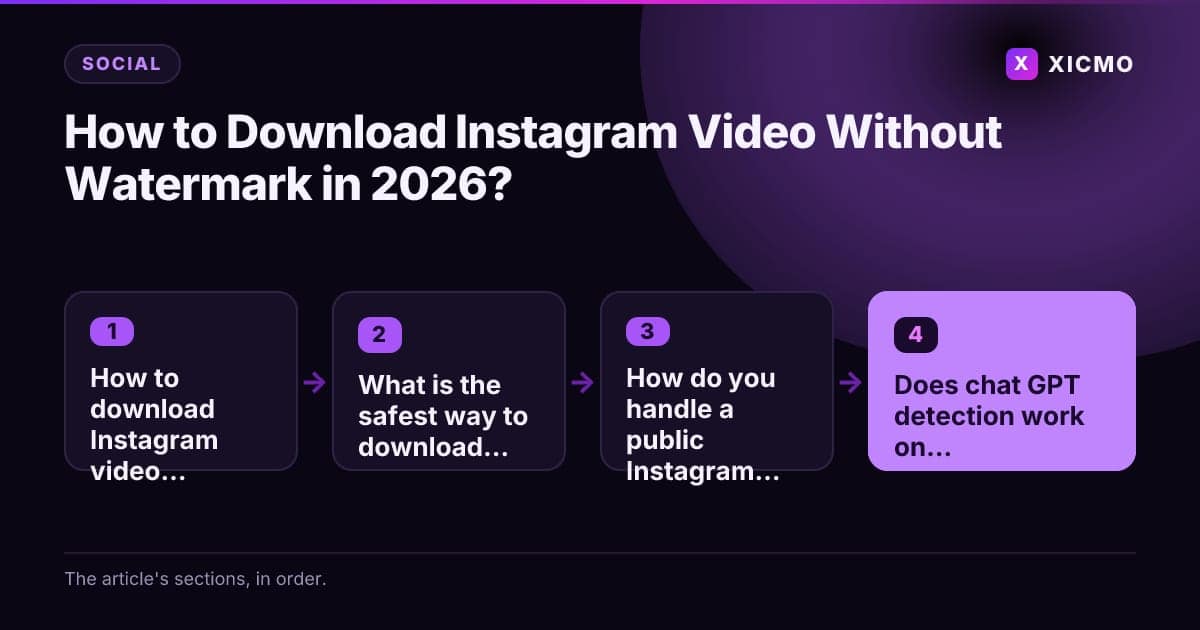
Key takeaways

- The cleanest unwatermarked copy is your own original file from Instagram's data download tool or your editing app.
- Downloading someone else's video and removing the watermark usually breaks copyright and platform rules.
- Free Instagram downloaders can show ads or pop-ups, so never enter your Instagram password into one.
- Chat GPT detection tools give a probability, not proof, so pair the score with a human review.
- Rewrite AI-drafted captions in your own voice and run a plagiarism check before you publish.
How to download Instagram video without watermark: the short answer
To download an Instagram video without a watermark, get the original file from its owner. If the video is yours, request your data archive or export it from your editing app. If it belongs to someone else, ask for the master copy. Free downloaders often add ads or compress the clip.
What is the safest way to download your own Instagram video?
The safest way is to download your original file from your own account. Instagram adds the logo overlay when it renders a shared or saved copy, so your upload is the cleanest version you can get. Your own archive contains the file without that overlay.
Open Instagram, go to Settings and Activity, then Download your information. Choose your account, select Posts and Reels, and request a file. Instagram emails a link when the archive is ready, usually within a few hours. Keep the original file in a folder so you always have an unmarked master.
How do you handle a public Instagram video someone else made?

You need the creator's permission before you download or repost a public video. Many third-party tools such as SaveFrom or Snapinsta claim to strip the mark, but they often pull compressed copies or push ads and pop-ups. Never enter your Instagram password into any downloader.
If the creator agrees, ask for the original file. Creators often keep an unmarked master in their camera roll or editing app. Credit the source post when you reuse a clip. Here is a simple decision rule:
- You made the video: export or request your archive.
- A creator agrees: ask for the original file.
- Nobody gave permission: do not download or repost it.
Does chat GPT detection work on captions and scripts?
Chat GPT detection tools estimate whether text came from a language model, but no tool is fully reliable. Detectors such as GPTZero and Originality.ai return a probability score, and they can flag human writing as AI. Treat the score as one signal, not as proof.
Read the text yourself too. AI drafts often use even sentence lengths, generic transitions and claims with no names or numbers. A quick human edit with a real example removes most of those patterns, and it makes the caption more useful to your audience.
Should you rewrite AI-generated captions before you post?
Yes, review and rewrite every AI-generated caption before you publish it. A human rewrite adds your voice, your own examples and facts you have checked yourself. Generic text also rarely earns clicks or rankings in search.
Plagiarism checkers such as Copyscape or Grammarly's plagiarism check help you confirm that a caption does not copy existing lines. Run a check on any long script or article. A five-minute review per post is a small cost compared with a copyright claim.
How can a marketing workspace keep video and captions under control?
A marketing workspace keeps your assets, captions and approvals in one place, so nothing goes live by accident. Xicmo is an AI growth platform with 14 specialized agents. Its agents draft social posts and content, then hold each item until you approve it, so you see every draft before it leaves the workspace.
If you also publish pages that link to your video content, check their technical health. Our guide to the technical SEO audit tool comparison explains which checks matter most.
Conclusion
The cleanest way to get an Instagram video without a watermark is to download your own original file from Instagram's data download tool or your editing app. For someone else's clip, ask the creator for the master file, or skip it. Treat free downloaders as a risk. Before you publish any AI-drafted caption, run a detector as one signal, rewrite the text in your own voice and check it for copied lines. Request your own archive today.
Frequently asked questions
Book a free
15-minute call
We will open Xicmo on your own site, show you where you are losing search and AI visibility, and leave you with the fixes whether or not you sign up.
Book a callPrefer email? hello@xicmo.com