


How do you save instagram vedios safely in 2026?
Key takeaways
- Use Instagram's in-app Save button to keep posts privately without any third-party tool.
- Downloading Instagram content is for personal reference unless the creator gives written permission.
- Screenshots and browser right-click saves are the simplest way to keep foto Instagram images.
- Study top Instagram videos for hooks and pacing, then write your own scripts.
What are Instagram videos and how do you save them?
Instagram videos are short clips, Reels, and Stories that creators post on the platform, and saving them for personal reference is usually a matter of using the app's built-in save option or a downloader you trust. Instagram lets you save posts to a private collection, but it does not let you export the original file. Most people who search for instagram vedios want to keep a clip, reuse an idea, or review competitor content. The sections below cover the safe options, the trade-offs, and how a marketing workflow can use video and photo references without republishing anyone else's work.
Which ways to save Instagram videos work best?
The simplest way to save an Instagram video is the in-app Save button, which stores the post in a private collection you can open later. This method keeps the file on Instagram and needs no third-party tool. It also respects the creator's rights, since the clip stays under their account.
If you need a local copy, you have three common routes:
- Screen recording: Use your phone's built-in recorder. It works for any clip, but quality depends on the screen resolution.
- Creator's own export: Ask the creator for the original file or check whether they offer a download link.
- Third-party downloaders: Web tools such as SSSInstagram or SaveInsta accept a post link and return an MP4. Check their terms before you use them, and avoid sites that push installers or fake download buttons.
Whichever route you pick, use the content only for personal reference unless the creator gives written permission.
Save for personal study only, unless the creator grants written permission.
How do you download foto Instagram images in good quality?
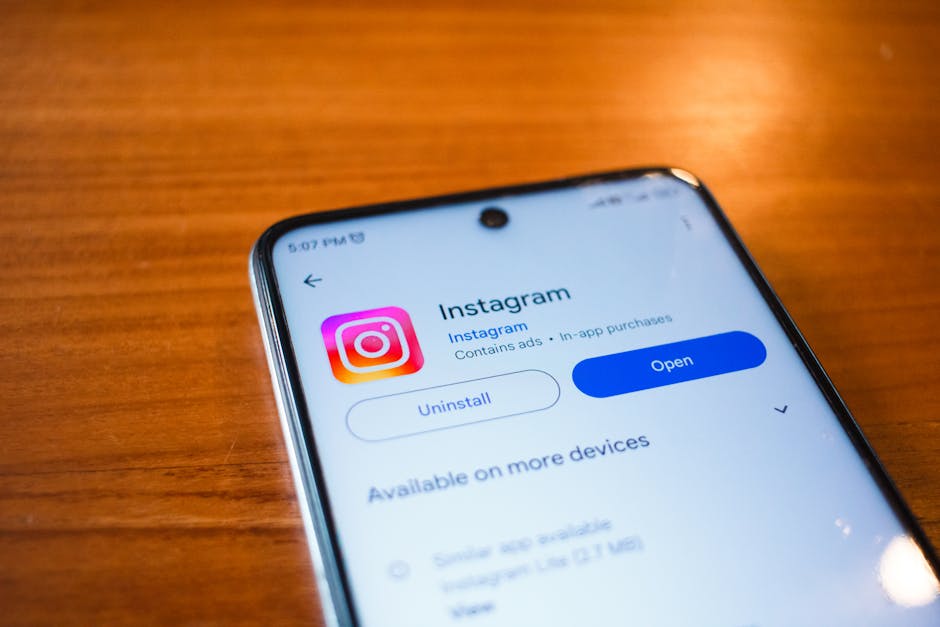
To download foto Instagram images, open the post on a desktop browser, right-click the image, and choose the option to open or save the image, or use the Save option in the app to keep it in your collection. Photos saved this way keep the resolution Instagram serves, which is usually lower than the original upload. For stories and feed images, screenshots are the fallback when no download option appears.
Quality matters if you plan to reuse images in a deck or a blog post. Feed photos are displayed at around 1080 pixels wide, so a screenshot taken at a lower zoom will look soft. Always check the rights before publishing any image you did not create.
Can a marketing team use Instagram content without copying it?
A marketing team gets more value from studying Instagram videos than from storing them. Look at the hook in the first two seconds, the caption length, the on-screen text, and the call to action. Write those patterns down in your own words, then brief your own creative.
Xicmo's content agents can help here. Xicmo is an AI growth platform with 14 specialized agents that handle SEO, GEO, content, social, and outreach in one workspace. Its content agent drafts short-form scripts and captions from your company context, and nothing goes live until you approve it. This keeps your output original while you learn from what works in the feed.
How do you stay safe and avoid copyright problems?
Before you save or reuse any Instagram video or photo, check who owns it and whether the creator allows reuse. Instagram's own Terms of Use say that people may not copy or redistribute content they do not own without permission. Respect that rule, even when a downloader makes copying easy.
Some practical rules help:
- Save for personal study only, unless the creator grants written permission.
- Credit the creator by handle when you quote or show a clip in a presentation.
- Never remove watermarks from clips you plan to publish.
- Create your own versions of the format, with your own footage and voice.
Following these rules protects your brand and keeps your account in good standing.
Nothing publishes without your sign-off, so every caption and video script stays under your control.
How does Xicmo help you plan video and photo content?
Xicmo connects to the channels where your audience already looks. It reads your Search Console and GA4 data to show which topics bring visits, then its agents draft matching posts, captions, and short video scripts. The content agent works from your company context, so every draft sounds like you.
Each draft sits in an approval queue. You review the caption, the image choice, and the schedule, then approve or edit. Nothing publishes without your sign-off. For a lean team, this means a weekly content batch can be ready in under an hour of review, while the agents do the research and first drafts.
Further reading
Conclusion
If you need instagram vedios for personal study, use the in-app Save button first, then a trusted downloader only when you have the right to keep the file. Save foto Instagram images the same way, and always check ownership before reuse. For the rest of your marketing, Xicmo drafts video scripts, captions, and posts from your own data, and you approve each one before it goes live. Start with a free workspace and review your first batch this week.
Frequently asked questions
Book a free
15-minute call
We will open Xicmo on your own site, show you where you are losing search and AI visibility, and leave you with the fixes whether or not you sign up.
Book a callPrefer email? hello@xicmo.com