


Instavideodownloader: How to Save Instagram Videos in 2026
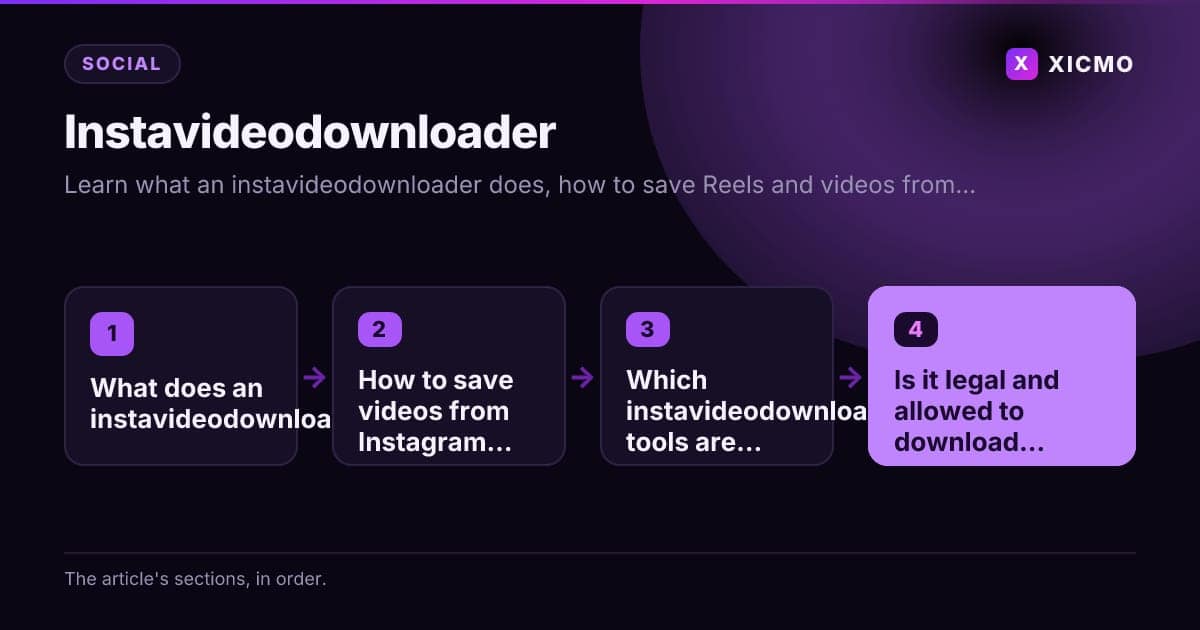
An instavideodownloader is a web tool or app that saves a copy of a public Instagram video, usually a Reel or a post, to your device as an MP4 file. You paste the post link, the tool fetches the video file, and you download it. Most tools skip the Instagram app entirely, so the file lands in your downloads folder without a watermark or login step.
This guide explains how these tools work, how to save videos that people send you in Instagram direct messages, and where the legal and platform limits sit. It is written for founders and small teams who collect short-form video for research, social swipe files, or client reviews.
Key takeaways
- An instavideodownloader saves a public Instagram video as an MP4 file by reading the post's video address.
- To save a Reel shared in a direct message, copy the public post link and paste it into the downloader.
- Never enter your Instagram password into a third-party downloader, since a legitimate tool only needs the post link.
- Downloaded videos are for research and reference, and reposting them requires the creator's written permission.
What does an instavideodownloader actually do?
An instavideodownloader reads the public page for a post, finds the direct video file address, and offers that file for download. It does not break into private accounts. If a post is public, anyone can view it in a browser, and the tool simply saves what the browser already loads.
Most tools support three inputs: a post link, a Reel link, or a page URL. Some also accept a shared story link. Quality depends on the source. A 1080p Reel will download at 1080p, while a compressed repost will stay small. Check the resolution in the file properties after download.
How to save videos from Instagram messages step by step?
Saving a video from a direct message is different from saving a public post. Instagram does not give a shareable link for most DM videos, so the simplest route is a screen recording or the built-in save option if the sender allowed it. For public Reels shared into a chat, open the Reel, tap the share icon, and copy the link. Then paste that link into the downloader.
- Open the message and tap the shared Reel to open the original post.
- Tap the three dots, then choose Copy link.
- Paste the link into your downloader and wait for the preview.
- Download the MP4 and check that the file plays with sound.
- Store it in a folder named by source and date so you can find it later.
For videos that were sent privately and have no public page, a downloader will not work. Ask the sender for permission, or record your own screen with the sound on.
Downloading a public video for personal viewing is common, but reposting it is a different matter.
Which instavideodownloader tools are worth trying?

Several tools cover the basics, and each has trade-offs in speed, ads, and file quality. Common choices include SSSInstagram, Downloadgram, and the Instagram video save features in some browser extensions. Test two or three with a Reel you own before you rely on one for a project.
| Factor | What to check |
|---|---|
| Quality | Does the MP4 keep the original resolution? |
| Ads and pop-ups | Do download buttons lead to unrelated sites? |
| Privacy | Does the site ask for your Instagram login? Avoid it if it does. |
| Formats | Can it save audio only, or the cover image? |
Never enter your Instagram password into a third-party downloader. A legitimate tool needs only the public post link.
Is it legal and allowed to download Instagram videos?
Downloading a public video for personal viewing is common, but reposting it is a different matter. Copyright belongs to the creator, and Instagram's terms restrict scraping and unauthorized copying. Treat downloads as reference material unless you have written permission to reuse them.
For business use, the safer route is to ask the creator for a license or to use Instagram's own share and embed features. Our rule of thumb for teams is simple: save for research, credit the creator, and never publish a downloaded file as your own content.
How can a marketing team use saved videos without the risk?
A saved video is useful as a reference for hooks, pacing, and caption style. Build a swipe file in Notion or Google Drive, and tag each clip by format, hook length, and call to action. This gives your content planning a real pattern to follow.
Tools like Xicmo can help turn that research into a plan. Its agents can draft content briefs from competitor posts you collect, and they never publish anything on their own. You review each draft, approve it, and only then does it go live. For more on that workflow, see our guide to video download for Instagram Reels and the notes on saving Reels to your gallery.
Never enter your Instagram password into a third-party downloader. A legitimate tool needs only the public post link. (Xicmo editorial guidance)
What mistakes should you avoid when downloading Instagram videos?
The most common mistake is reposting a downloaded Reel with the original sound or watermark removed. That breaks copyright and can get your account flagged. The second mistake is trusting any site that asks for your login. The third is saving private or age-restricted content from accounts that have not shared it with you.
Keep a simple log of where each file came from and whether you have permission. This takes two minutes per clip and saves hours if a creator asks questions later.
Further reading
Conclusion
An instavideodownloader saves public Instagram videos as MP4 files, and it works best for research and swipe files rather than reposting. For messages, copy the public Reel link from the shared post and paste it into the tool, or ask the sender for the file. Your deciding factors are permission and quality: check the source, keep the original resolution, and never enter your Instagram password. Next, build a small swipe folder this week and review two saved clips before you plan your next post.
Frequently asked questions
Book a free
15-minute call
We will open Xicmo on your own site, show you where you are losing search and AI visibility, and leave you with the fixes whether or not you sign up.
Book a callPrefer email? hello@xicmo.com