


How do you rip video from Instagram in 2026?
Key takeaways

- To rip video from Instagram, copy the reel link and save it through the in-app option or a trusted downloader.
- Use the in-app save or a downloader that keeps audio, then confirm the sound plays before you delete the source.
- Copyright protects the creator, so get written permission before you repost any ripped reel.
- Never give a downloader your Instagram password or install an unknown app to save a video.
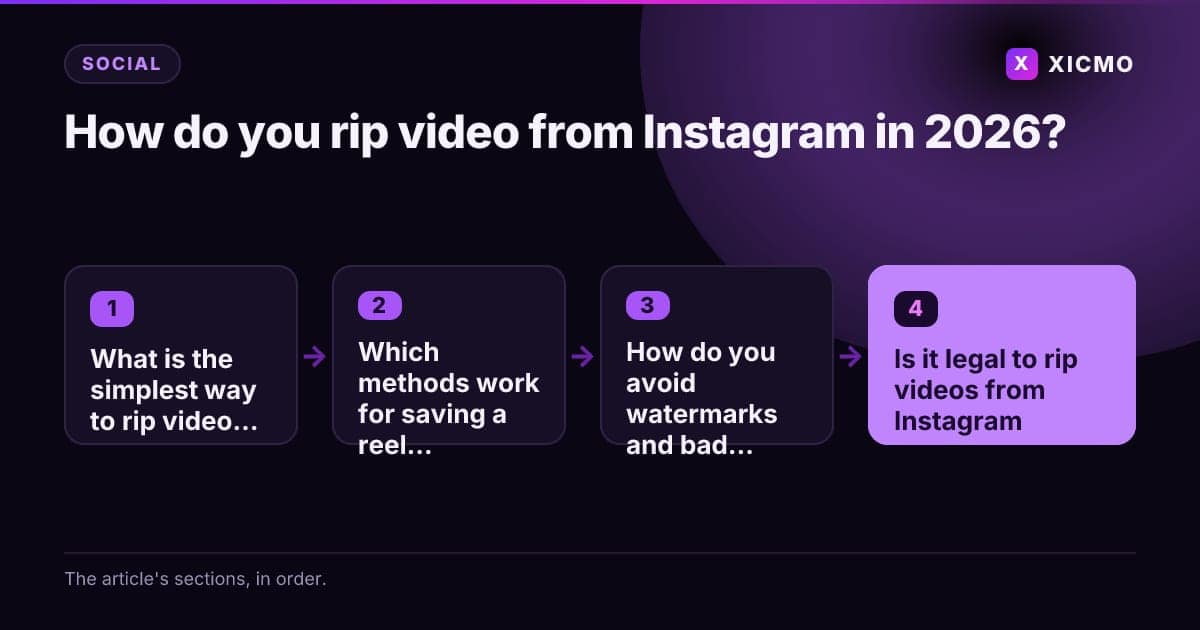
What is the simplest way to rip video from Instagram?
To rip video from Instagram, copy the reel link, paste it into a trusted downloader, and save the file to your device. Most public reels finish in under 10 seconds. For your own reels, the in-app save or download option is the cleanest route. This guide covers each method, the legal limits, and the safe habits that keep your files clean.
Ripping a video means saving the actual media file, not just recording your screen. A screen recording loses resolution and often drops the audio track. A direct download keeps the original quality and sound. That difference matters when you study a hook or share a clip with your team.
Which methods work for saving a reel with audio?
Three methods cover most cases: the in-app save button, a browser-based downloader, and a screen recording with system audio turned on. Each one trades quality, speed and convenience differently.
| Method | Keeps audio | Quality | Best for |
|---|---|---|---|
| In-app save or download | Yes | Original | Your own reels |
| Browser downloader | Yes | Usually original | Public reels you have permission to save |
| Screen recording | Only with system audio on | Lower | Stories or content with no download option |
The in-app option is the fastest way to save a reel to your camera roll with audio. Check that your phone allows the file to reach Photos. Then open the saved video and confirm the sound plays before you rely on it.
How do you rip video from a browser?
Open the reel in your browser, copy the URL from the address bar, and paste it into the downloader. Wait for the preview to load, then choose the highest resolution offered. Save the MP4 to your downloads folder and move it to your phone or cloud drive.
How do you avoid watermarks and bad downloads?

Pick a downloader that states it removes watermarks or offers a no-watermark option, and always preview the file before you trust it. Many free sites add ads, pop-ups or fake download buttons. Never install a file with an app extension you do not recognize.
Look for these signs of a trustworthy tool:
- The site asks only for a link, not your Instagram password.
- It shows a preview of the video before download.
- It does not require a browser extension or a separate app.
- The file plays with sound on your phone before you delete the source.
Scan every downloaded file with your phone's built-in security tools before you open it. A file that arrives as an .exe or .apk instead of an .mp4 is a red flag. Delete it and use another tool.
Is it legal to rip videos from Instagram?
Saving a video for personal viewing is different from reposting it. Copyright protects the creator, so you need written permission before you publish someone else's reel. According to the U.S. Copyright Office, copyright protects original works of authorship, including videos and music. Reposting without a license can trigger takedown requests from Instagram.
Treat ripped files as private references, or ask the creator for a repost license. Keep a record of who made the video and where you found it. Those notes protect you if a claim comes in later.
How can you use saved reels for your own marketing?
Saved reels work best as research for your own content plan, not as material to repost. Study the hook in the first three seconds, the caption length and the call to action. Then write your own version for your channel.
This is where a planning tool helps. Xicmo's content agents can draft short-form video scripts from your product notes. You review every script, edit the hook and choose the publish date. Nothing goes live until you approve it.
What mistakes should you avoid when saving Instagram videos?
The most common mistake is downloading from a site that bundles malware. The second is posting ripped content without asking the creator. The third is losing track of files. Name each file with the creator handle and date, and store it in a folder next to your source notes.
Check your phone's free storage before a large batch download. A 60-second reel at 1080p usually takes under 30 MB, so ten reels fit in about 300 MB. That is manageable on most phones.
Conclusion
Ripping video from Instagram means saving the original file, usually with an in-app download or a trusted downloader, and keeping the audio intact. Use saved reels for personal reference, get permission before reposting, and avoid any site that asks for your password. Start by saving one reel you want to study, then build your own short video plan from what you learn.
Frequently asked questions
Book a free
15-minute call
We will open Xicmo on your own site, show you where you are losing search and AI visibility, and leave you with the fixes whether or not you sign up.
Book a callPrefer email? hello@xicmo.com